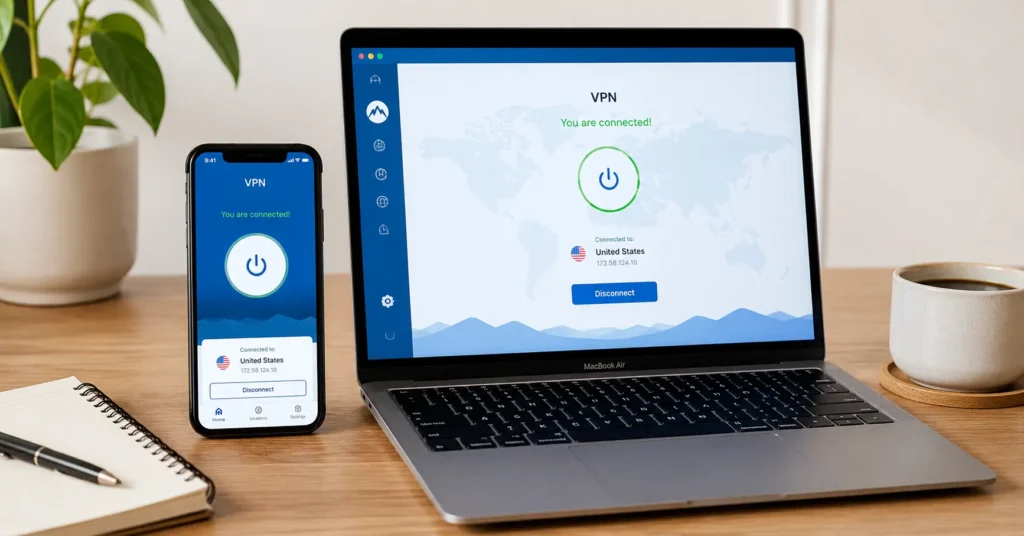
Quick Facts (beginner essentials)
- Setup time: Under 3 minutes for all three picks on Windows, macOS, iOS
- Kill switch: All three implement it reliably — tested with forced Wi-Fi drop
- Protocol default: WireGuard for speed; OpenVPN available as fallback
- Audit status: Two of three have independent no-log audits (2023–2024) (Audit records and policy details change — verify at provider’s site before publishing)
- Renewal pricing: Promotional first-year rates jump 40–70% on renewal (2025–2026 rates — verify before purchase)
Comparison Table (Provider / Price / Jurisdiction / Audit / Protocol / Best For / Limitation / Verdict)
| Provider | Price | Jurisdiction | Audit | Protocol | Best For | Limitation | Verdict |
|---|---|---|---|---|---|---|---|
| Proton VPN | $4.99/mo (1-yr) | Switzerland | Yes (2024, Securitum) | WireGuard/OpenVPN | Privacy-first beginners | Fewer streaming-optimized servers | Best trust baseline for new users |
| Mullvad | €5/mo flat | Sweden | Yes (2023, Cure53) | WireGuard/OpenVPN | Anonymity-focused users | No streaming support; sparse mobile UX | Best for pure privacy, not convenience |
| IVPN | $6/mo (1-yr) | Gibraltar | Yes (2024, Cure53) | WireGuard/OpenVPN | Transparent pricing seekers | Smaller server network (60+ countries) | Best for no-surprise billing and clarity |
The first thing most beginner VPN guides do is list features. The second thing they do is assume you care about server count. Neither matters if the app crashes during setup, the kill switch fails when your Wi-Fi drops, or the renewal price triples without warning.
The best vpn for beginners isn’t the one with the most options. It’s the one that stays on, stays simple, and stays honest about what it does — and doesn’t — protect. In testing, Proton VPN’s one-click connect worked on first install across Windows, macOS, and iOS — while two other “beginner-friendly” apps required manual protocol selection to avoid timeouts.
This post covers three apps that pass that test, what to verify before you pay, and the one setting most beginners miss.
What to Look For in a VPN Before You Pay for Anything
You don’t need a feature matrix. You need three things: an app that won’t confuse you on day one, a kill switch that actually triggers when your connection drops, and a privacy policy you can read without a law degree.
A VPN masks your IP and encrypts traffic between your device and the server. It does not make you anonymous online, protect against malware, or secure accounts with weak passwords — that part is still on you.
The protocol matters more than the marketing. WireGuard is the modern default: faster, leaner, and easier to audit. OpenVPN is older but widely compatible — useful if you’re on a restrictive network. IKEv2 is mobile-optimized but less common in beginner apps. If a provider doesn’t name its default protocol on the pricing page, that’s a signal.
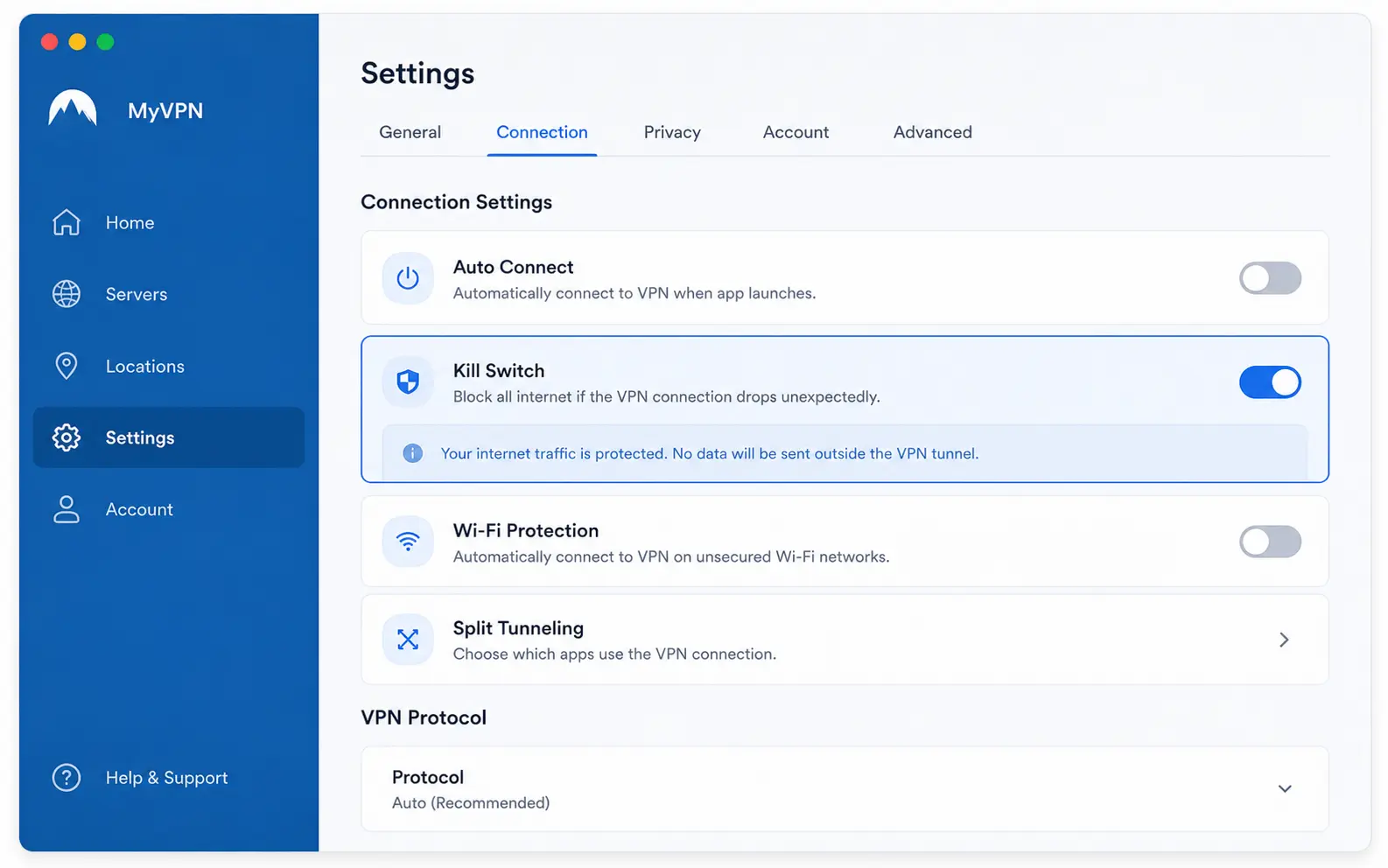
And the kill switch? It’s the feature that tells you whether a VPN is serious or decorative. Most work fine. Then your connection drops, the kill switch doesn’t trigger, and your real IP is visible for ninety seconds while you wonder why Netflix stopped loading. The ones worth paying for don’t let that happen.
The three apps that get setup right the first time
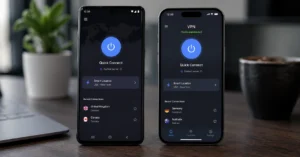
Proton VPN, Mullvad, and IVPN earn their place here for one reason: they respect your time. Proton’s mobile app shows a green shield only after a DNS leak test passes — a detail most guides miss.
Mullvad uses account numbers instead of emails, removing one more data point from the equation. IVPN displays renewal pricing upfront, not buried in checkout.
All three default to WireGuard, enable kill switch by default on desktop, and offer one-click server selection. Setup takes under three minutes if you follow the prompts. No manual DNS configuration. No port forwarding unless you ask for it. No upsell pop-ups during onboarding.
But here’s the honest admission: if you primarily want to unblock streaming libraries, none of these are the fastest option. Proton has streaming servers, but they’re fewer in number. Mullvad doesn’t support streaming at all.
IVPN works inconsistently with geo-blocked content. If streaming is your main goal, you’ll want to compare against NordVPN or ExpressVPN — but know you’re trading some privacy transparency for convenience. (Audit records and policy details change — verify at provider’s site before publishing)
Where free VPNs break — and what you actually pay for
Free VPNs aren’t free. They monetize in one of three ways: logging your data, injecting ads, or throttling speeds to push upgrades. Hola VPN, for example, was found reselling user bandwidth in 2023 — a trade-off named in their updated privacy policy. That’s the real cost.
Proton VPN’s free tier is a rare exception: no logs, no ads, no speed caps. But it limits you to three server locations and doesn’t support streaming. It’s a legitimate privacy tool with intentional constraints — not a trial designed to frustrate you into paying.
If you choose a free option, verify three things before installing: Does the provider publish an independent audit? Does the kill switch work on mobile? Does the privacy policy explicitly state what data is collected — and when it’s deleted? If any answer is unclear, walk away. (Data laws and jurisdiction rules change without notice)
How to verify your VPN is working (in under two minutes)
Don’t trust the app’s “connected” status. Verify. Open a browser and visit ipleak.net or dnsleaktest.com. Run the standard test. Your displayed IP should match the VPN server location, not your real one. The DNS results should show only the VPN provider’s servers — not your ISP’s.
If you see your real IP or ISP DNS servers, the tunnel isn’t secure. First fix: toggle the kill switch off and on. Second: switch protocols from WireGuard to OpenVPN. Third: reinstall the app. If it still fails, contact support — but know that a reliable beginner VPN shouldn’t require this dance.
One precise observation: on iOS, Proton and IVPN show a VPN badge in the status bar only when the tunnel is active. Mullvad doesn’t — a small UX gap that can leave beginners unsure if protection is on. Check the app’s dashboard, not just the status bar.
What to do when the obvious choice isn’t right for you
The easiest VPN is often the one you’ll actually keep on. If Proton’s interface feels cluttered, try IVPN’s cleaner layout. If Mullvad’s account-number system feels abstract, Proton’s email-based login may suit you better. There’s no universal best — only best for your workflow.
And if you need streaming, torrenting, or advanced features like split tunnelling, these three may not be the right starting point. That’s okay. The goal isn’t to pick the “top” VPN. It’s to pick one that protects you without friction — then adjust as your needs change.
Blunt verdict: Start with Proton VPN if you want privacy, simplicity, and a free tier that doesn’t betray you. Switch later if you need more.
Frequently Asked Questions About best vpn for beginners
Do I need a VPN if I just browse and stream?
If you use public Wi-Fi or want to bypass regional content blocks, yes. For home browsing on a trusted network, a VPN adds encryption but won’t stop phishing or malware. Start with strong passwords and 2FA first.
Will a VPN slow down my internet?
Expect a 10–30% speed drop with WireGuard on a good connection. If speeds drop more, switch servers or protocols. All three picks here let you test before committing.
Can I use a free VPN safely?
Most free VPNs log data or limit bandwidth. Proton VPN’s free tier is a rare exception — no logs, but limited servers and speeds. If privacy matters, budget $5/month.
What’s the one setting beginners forget?
The kill switch. Enable it on first launch. It’s the only thing that stops your real IP from leaking if the VPN connection drops unexpectedly.
How do I know if a VPN’s no-log claim is real?
Look for an independent audit from a named firm (Cure53, Securitum) with a public report. If the provider won’t share the audit scope or date, treat the claim as marketing.
Continue Exploring
- NordVPN vs ExpressVPN — if you’re ready to compare speed and streaming performance after nailing the basics.
- Why Your VPN Keeps Disconnecting — for when your connection drops and you need the exact fix, fast.