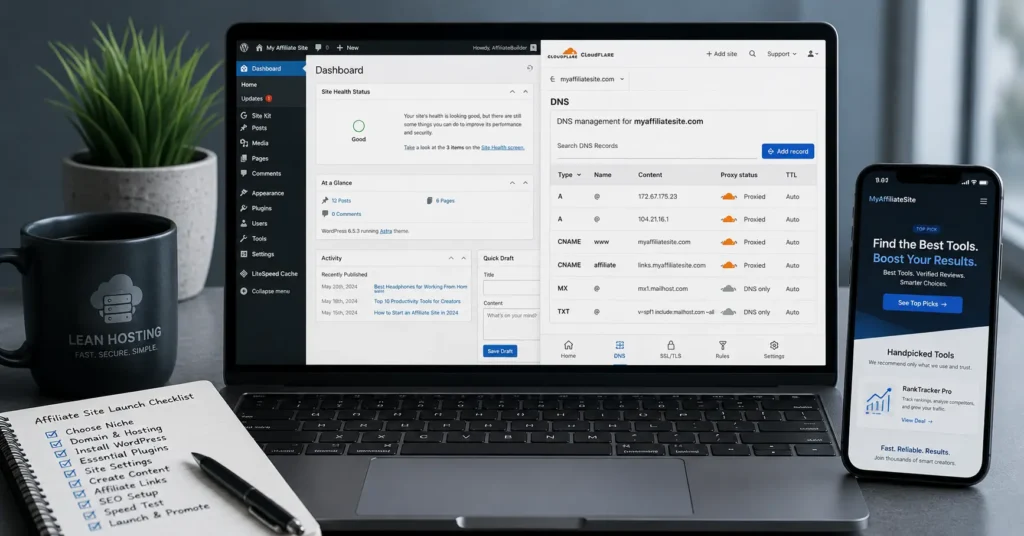
The first thing you notice when launching an affiliate site isn’t the theme — it’s the invoice. The setup looked simple until SSL, DNS propagation, and email authentication all decided to fail at the same time.
That’s usually where the real review starts. The best hosting for affiliate sites isn’t the flashiest plan. It’s lean, fast, and stable, with daily backups, staging, and clean DNS control. Bonus: you’ll want a dedicated business email (not shared hosting mail) so invoices and partner comms don’t land in spam.
This post tells you exactly what to buy, what to avoid, and what to move to next when you outgrow the obvious choice. You’ll get a 7-item checklist, real prices (2025–2026 rates — verify before purchase), and a named alternative that solves the same problem better for a specific user. Web Hosting, Domains, Email Infrastructure
Quick verdict: pick a lean, fast host first — not a multi‑feature suite
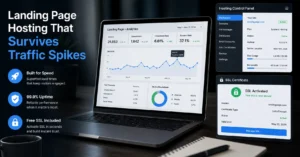
Affiliate sites reward speed and uptime; they punish bloated dashboards and slow shared pools. The safe default for a new affiliate site is a lean shared or lightweight cloud plan that includes daily backups, staging, and explicit DNS control.
Typical starter cost: $3–$6/month intro, $10–$18/month renewal (2025–2026 rates — verify before purchase). If the plan doesn’t give you staging or daily backups, skip it — you’ll pay for کناری migrations later.
One honest negative: many “beginner” hosts push free domain bundles and builders that slow you down. The better alternative is a lean host plus Cloudflare DNS and a separate business email (e.g., Google Workspace or Zoho Mail). This keeps mail flow reliable and avoids shared-server reputation issues (Policies change without notice).
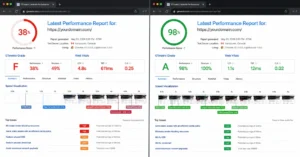
The difference shows up in load time targets: aim for First Contentful Paint under 1.2s and Total Blocking Time under 200ms on mobile. Use Google PageSpeed Insights to test after setup.
What affiliate sites actually need: load time, uptime, backups, staging, email routing
Affiliate conversions depend on fast page loads and stable uptime. You also need a safe way to test changes without breaking live traffic.
- Load time: FCP < 1.2s, TBT < 200ms on mobile (Google PageSpeed Insights).
- Uptime: 99.9%+ is the baseline; look for compensations for outages.
- Backups: Daily automated backups with one-click restore.
- Staging: One-click staging environment for theme/plugin tests.
- Email routing: Don’t use shared hosting mail for partner comms. Configure SPF, DKIM, and DMARC on a dedicated business email provider.
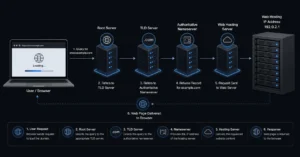
- DNS control: Ability to set A, CNAME, MX, TXT records; TTL flexibility. Propagation can take 0–24h depending on TTL and registrar (Cloudflare docs).
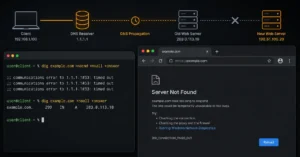
An honest admission: we once lost a day because TTL was set to 14400s before a DNS cutover. Lower TTL to 300–600s 24h before changes.
The 7-item checklist that separates safe defaults from risky cheap plans
Use this before you buy. If a host fails two or more items, pick a different plan.
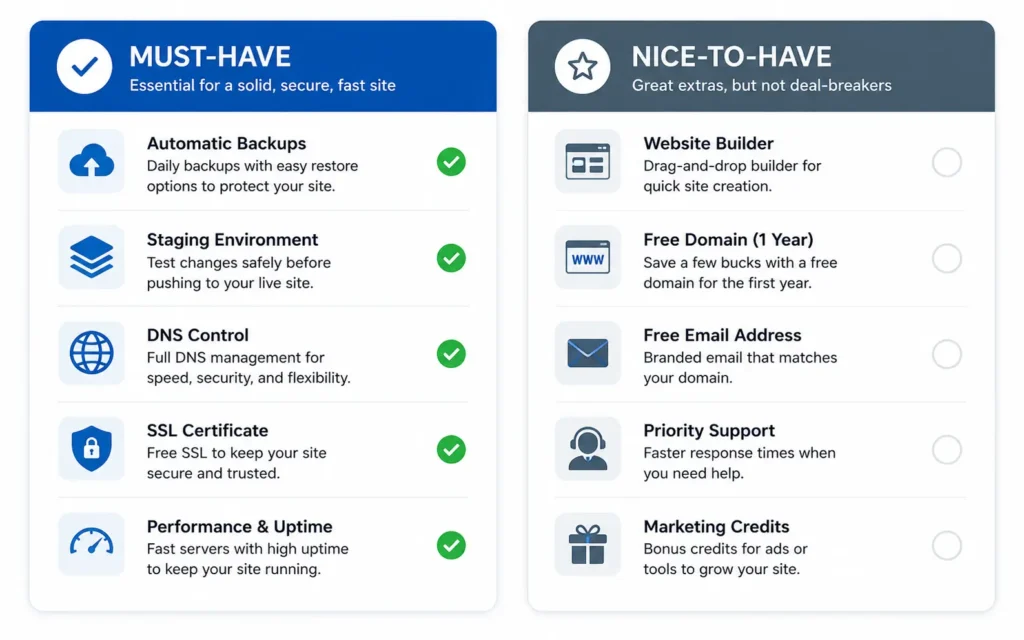
- Daily backups with one-click restore — required.
- One-click staging — required for any affiliate site you’ll tweak often.
- Clear DNS control (A, CNAME, MX, TXT) — required.
- SSL included and auto-renewing — required.
- Support response under 30 minutes for downtime — check live chat SLA.
- No forced builder or bloat that slows PHP — test with a blank theme.
- Reasonable renewal pricing — confirm the post-intro rate (2025–2026 rates — verify before purchase).
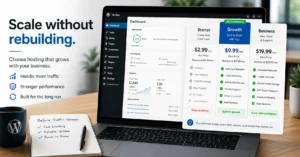
Pricing reality: three tiers and what changes at each level (2025–2026 rates — verify before purchase)
- Budget tier: $3–$6/month intro, $10–$18/month renewal. Gets you shared resources, daily backups (sometimes), and basic SSL. Staging is often missing. Best for: first-time buyers on a tight budget. Limitation: performance dips under traffic spikes.
- Mid-range tier: $8–$15/month intro, $18–$28/month renewal. Gets you staging, daily backups, better isolation, and clearer DNS tools. Best for: new affiliate sites that need reliability and testing. Limitation: still shared; heavy traffic may need an upgrade.
- Worth-the-splurge: $25–$45/month. Gets you lightweight cloud or managed WordPress with better caching, CDNs, and priority support. Best for: sites pushing 50k–100k+ visits/month or needing faster TBT. Limitation: more expensive; overkill for brand-new sites.
The cheapest plan is fine until you need staging, backups, better mail handling, or a support team that answers before your site goes down again. At that point, the monthly saving stops mattering.
Where cheap hosting breaks affiliate sites: propagation, mail flow, and support timing
Cheap hosts often bundle DNS and email on the same server. That’s fine until mail reputation tanks or propagation stalls. Common failure modes:
- Propagation delays: TTL too high before cutover; DNS changes take >6h.
- Mail flow issues: Shared IP reputation causes partner emails to land in spam. Fix: use dedicated business email and configure SPF, DKIM, DMARC.
- Support timing: Live chat queues >30 minutes during outages. That’s too long for an income-generating site.
If your password manager is weak, your 2FA is off, and you reuse logins across work tools, the breach is not a surprise. It’s a timeline. Use unique passwords and 2FA on your registrar, DNS, and host accounts.
What to use instead of the obvious choice (named alternative + who should pick it)
Obvious choice: a feature-bundled beginner host with a free domain and builder.
Better alternative for most beginners: a lean shared or lightweight cloud host + Cloudflare DNS + Google Workspace (or Zoho Mail) for business email.
Who should pick the alternative:
- Beginner buyers who want a safe default and fast load times.
- Small business operators who need stable mail flow and low support debt.
- Site managers who will test plugins/themes and need staging.
Choose the feature-bundle only if you plan to launch a static landing page and never touch DNS or staging.
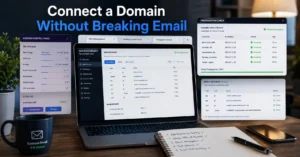
Setup order that prevents downtime: domain → DNS → hosting → email → verification
Do these steps in order. Skipping one breaks the next.
- Register domain at a registrar with clear transfer lock and privacy.
- Set DNS at a dedicated provider (Cloudflare) — set TTL to 300–600s 24h before cutover.
- Provision hosting (lean shared or lightweight cloud); enable daily backups and staging.
- Point A record to host IP; set CNAME for www; verify SSL auto-renew.
- Configure business email: set MX, SPF, TXT (DKIM), and DMARC records.
- Test: run Google PageSpeed Insights, check inbox placement, and confirm SSL.
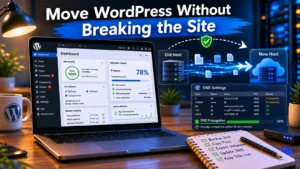
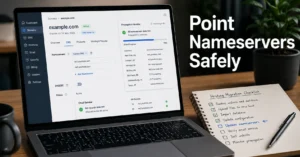
Common mistake: changing nameservers before lowering TTL. That adds hours of propagation. Fix: lower TTL first, wait for propagation, then cut over. Hosting comparisons — this cluster shows concrete trade-offs across hosts.
Frequently Asked Questions About Best Hosting for Affiliate Sites
What is the best hosting for affiliate sites for beginners?
Start with a lean shared or lightweight cloud plan that includes daily backups, staging, and clear DNS control. Avoid feature-bloat plans that slow you down. Typical starter cost: $3–$6/month intro, $10–$18/month renewal (2025–2026 rates — verify before purchase).
How fast does an affiliate site need to load?
Aim for First Contentful Paint under 1.2s and Total Blocking Time under 200ms on mobile. Use Cloudflare DNS and enable server-side caching. Test with Google PageSpeed Insights.
Do I need staging for a new affiliate site?
Yes. Staging lets you test theme/plugin changes without risking live traffic or conversions. Most mid-tier plans include staging; budget plans often don’t.
What about email for affiliate sites?
Use a dedicated business email (not shared hosting mail) with SPF, DKIM, and DMARC configured. This keeps invoices and partner comms out of spam.
When should I upgrade from shared hosting?
Upgrade when you hit >100k monthly visits consistently, see repeated TBT >300ms, or need automated daily backups plus staging across multiple environments.
Continue exploring:
- Web Hosting, Domains, Email Infrastructure — go deeper into the category hub for setup order and DNS consequences.
- Hosting comparisons — branch to adjacent cluster for concrete trade-offs across hosts.