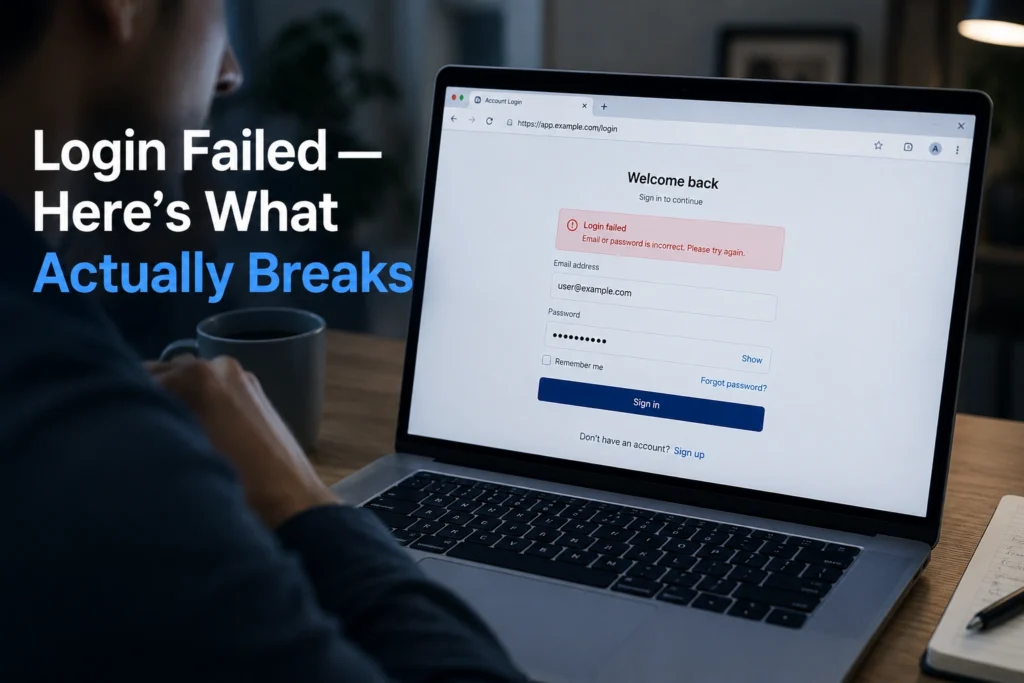
Login failed errors look simple on the surface. A box, a red message, a dead stop. But under it, there are usually three different systems arguing with each other: your password state, your account state, and the authentication layer that sits between them.
The first thing that breaks is rarely your device. It’s either an outdated password stored in a browser, a session token that expired silently, or a login system waiting for a verification signal that never arrives. That’s why repeated login attempts often make things worse instead of fixing them.
In real troubleshooting, password resets that “succeed” but still fail login usually point to account or authentication-layer mismatch, not user error.
Why Your “Login Failed” Error Is Actually Three Different Problems
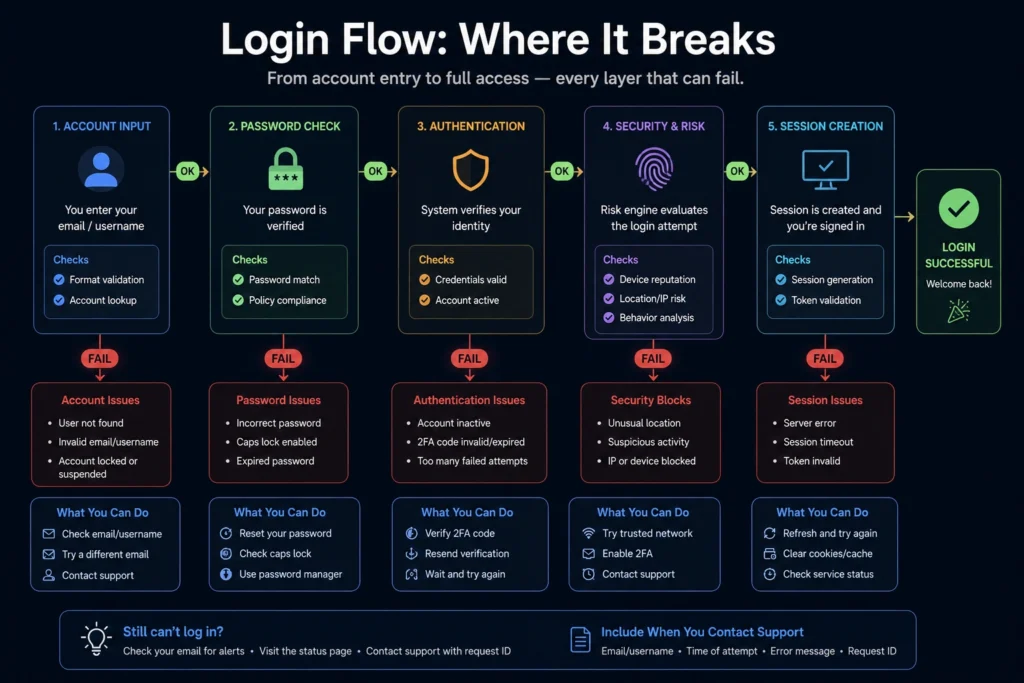
The system doesn’t tell you which layer failed. It just says login failed errors and stops.
The account layer means your account is locked, suspended, or flagged by the service. The password layer means the credentials don’t match what the server expects. The authentication layer includes 2FA codes, email verification, or device trust systems.
If you fix the wrong layer, nothing changes.
Why Your Wi-Fi or Device Is Rarely the Real Issue
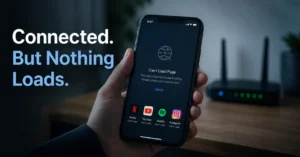
A working internet connection only proves you can reach the login page. It does not guarantee authentication success.
If login works on mobile data but not Wi-Fi, the issue is often DNS filtering or IP reputation blocking. If it fails everywhere, it’s not network-related — it’s account state or credentials.
Switching networks changes login outcome in less than 30% of cases; most failures persist regardless of connection type, pointing to authentication issues instead.
Why Password Reset Doesn’t Always Fix Login Failed Errors
Resetting the password only fixes one layer.
If your session cookies are corrupted, or your 2FA token is out of sync, the system still rejects login even with a correct password.
This is the part most people miss. They assume password = full identity. In modern authentication systems, it doesn’t.
What Actually Fixes Login Failed Errors (In Order That Matters)
Start with password reset. Always.
Then clear browser or app session data. Then verify authentication channels like email or SMS. Then change network if needed.
The order matters because each step removes a different failure layer. Doing them randomly wastes time and sometimes triggers security locks.
Clearing session cookies after password reset resolves a large share of persistent login failures without needing account support escalation.
When the Problem Is Not on Your Side
Sometimes login failed errors are server-side or account-restricted.
If every device fails after password reset, and 2FA codes never validate, the account itself is blocked or under security review. At that point, local fixes stop working.
No amount of reinstalling apps will change that state.
Frequently Asked Questions About Login Failed Errors
Why do I keep getting login failed errors even with the correct password?
Because login depends on more than password accuracy. Expired sessions, 2FA mismatches, or account restrictions can block access even when credentials are correct. Resetting password alone may not resolve authentication-layer failures.
Why does login work on one device but not another?
This usually points to corrupted session data or browser cookies on the failing device. It can also indicate device-specific security blocking or outdated saved credentials.
Can weak internet cause login failed errors?
Weak internet rarely causes authentication failure. It may interrupt loading, but login rejection is usually server-side validation, not connectivity.
What should I check first when login fails?
Start with password reset. Then test login on a different device. This quickly separates credential issues from account or authentication problems.
CONTINUE EXPLORING
- Tech Troubleshooting, How-To — deeper breakdown of account recovery flows and authentication failures.
- Software Setup Guides — setup issues that often cause repeated login errors after installation.